Start with a ready-made layout
Explore templates for podcasts, news, reactions and other content formats. Duplicate a gallery template to make it your own.
 Viral Day
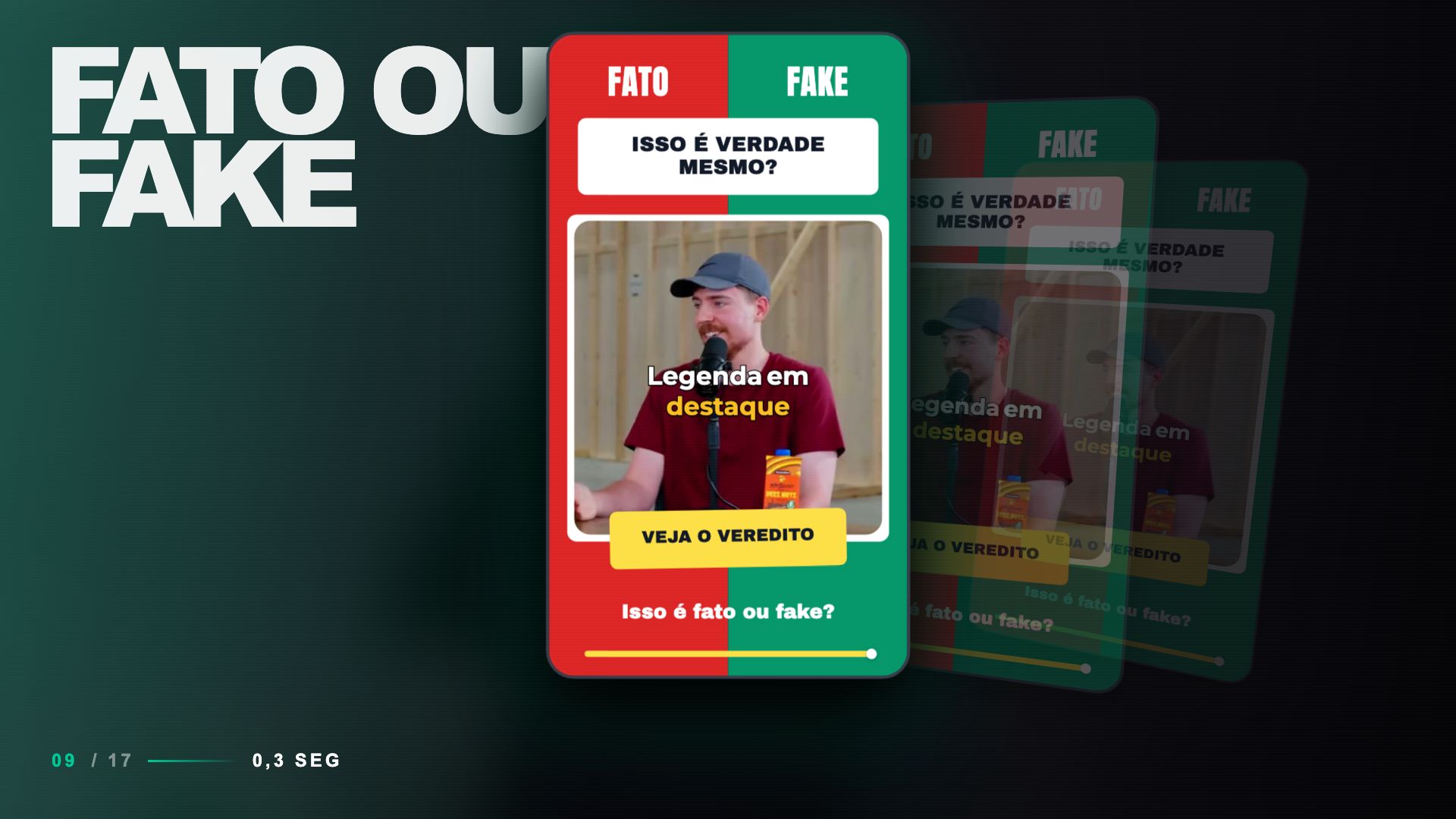
Templates for vertical videos
Choose a template, customize titles, colors and captions, then save it for your next clips. Give your videos a visual identity your audience can recognize.
Vertical 9:16 templates. Save and reuse them in your account.
 Details make a difference.
Editorial · Same video. A different look.
Illustrative preview using images from the template editor.
A consistent look. Less repeat work.
Explore templates for podcasts, news, reactions and other content formats. Duplicate a gallery template to make it your own.
Adjust text, images, backgrounds and caption styles. Use your Brand Kit to bring your brand assets into the template.
Save the template to your library and apply it to your videos. Keep your series visually consistent without rebuilding the same layout every time.
How it works
Duplicate a gallery template or create a layout from scratch.
Arrange video, titles, images and captions in the template editor.
Keep the layout in your library and use it in your next videos.
No. The gallery includes ready-made layouts and public community templates. Duplicate a template to your account, edit it and save your own version. You can also start from scratch.
Yes. The editor lets you customize images, logos, text, backgrounds and captions. You can also incorporate a Brand Kit to use your brand assets in the template.
New templates and the gallery use vertical 9:16 video, the format used for Reels, Shorts and TikTok. You can position and resize layout elements in the editor.
Saved templates are in the platform's Brand area. You can edit them, duplicate them and apply them in the video editor. Applying a template uses its layout across all primary scenes in that clip.
Start with a ready-made template, add your visual identity and save the look for your next clips.
Create my templateVertical 9:16 templates. Save and reuse them in your account.